Notebook to Notes
Published by Best AI Tool Finder
Move your OneNote notebooks to Apple Notes, 100% offline
0coffeesFree
About Notebook to Notes
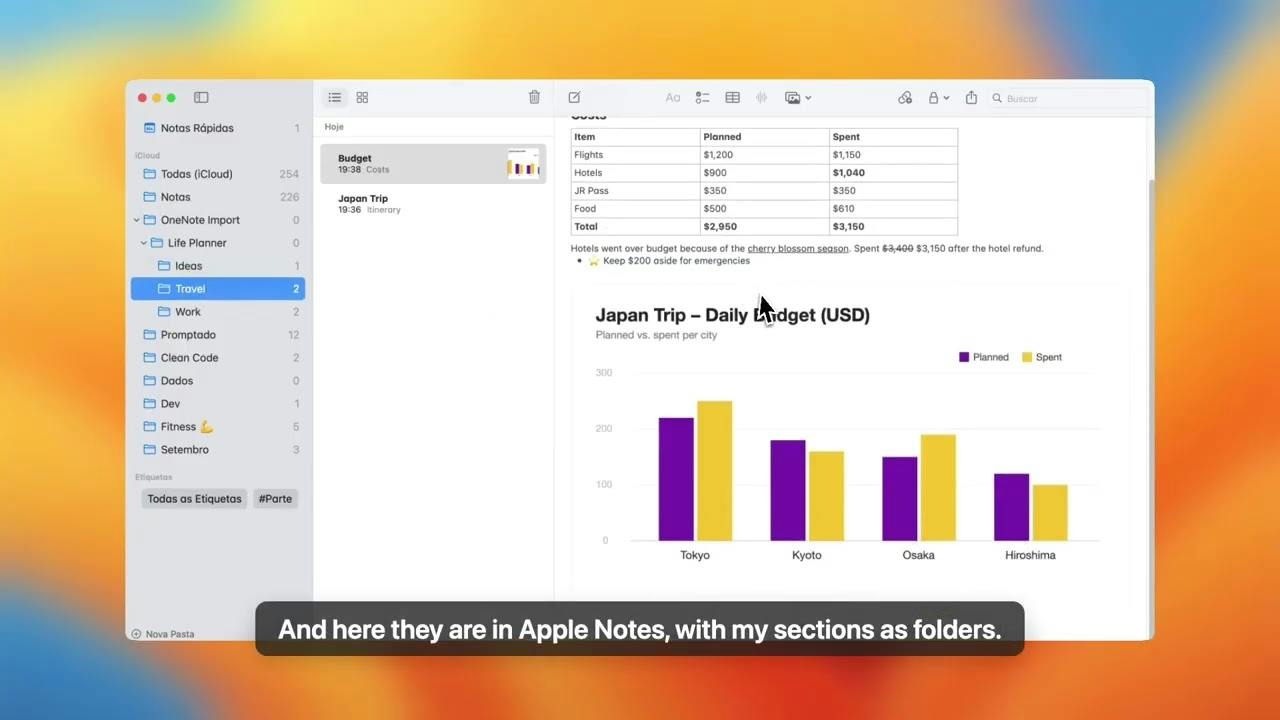
Move your Microsoft OneNote notebooks to Apple Notes on your Mac. Download them from OneDrive, drop thezip in the app and click Import. Sections become folders, each page becomes a note with its original dates, To Do tags become native checklists, and tables, colors, images, files, audio, drawings and links between pages come along. No Microsoft login and nothing uploaded: everything runs on your Mac.
Preview
1 / 5
Community
Details
Websitenotebooktonotes.com
PricingFree